

Welcome to the Help Center
Get quick answers to your questions about Scholarship Region
Customize your profile
Customizing your profile is easy on Scholarship Region. As a scholar or organization, having a well-customised profile gives you credibility and showcases your pedigree.
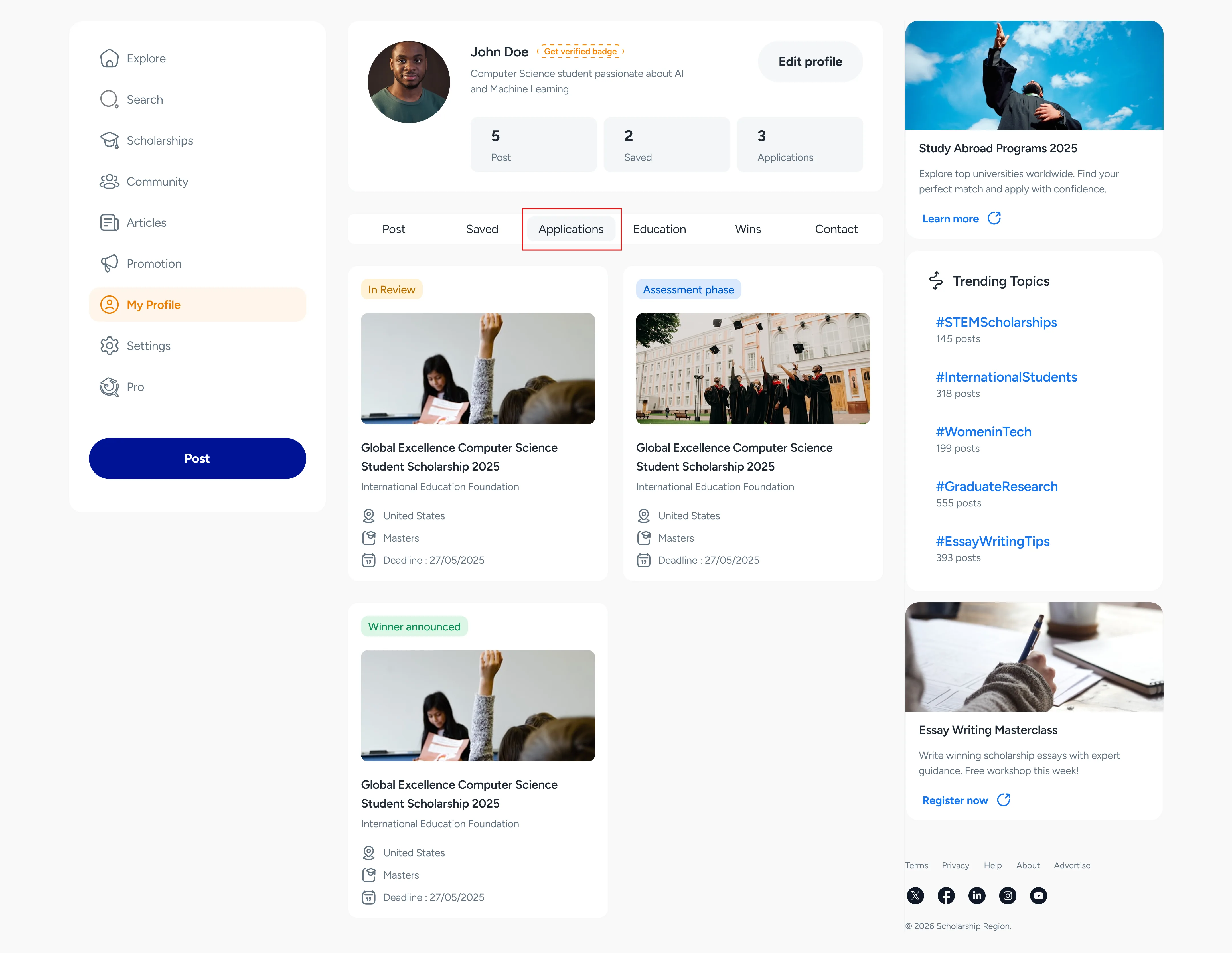
You can customize your profile by selecting a unique profile image, adding a name, bio, location, birth date, and website. You can also set a unique username, see all your posts, saved posts, ongoing applications, education, and add your win records.
How to customize your profile
Sign in to here
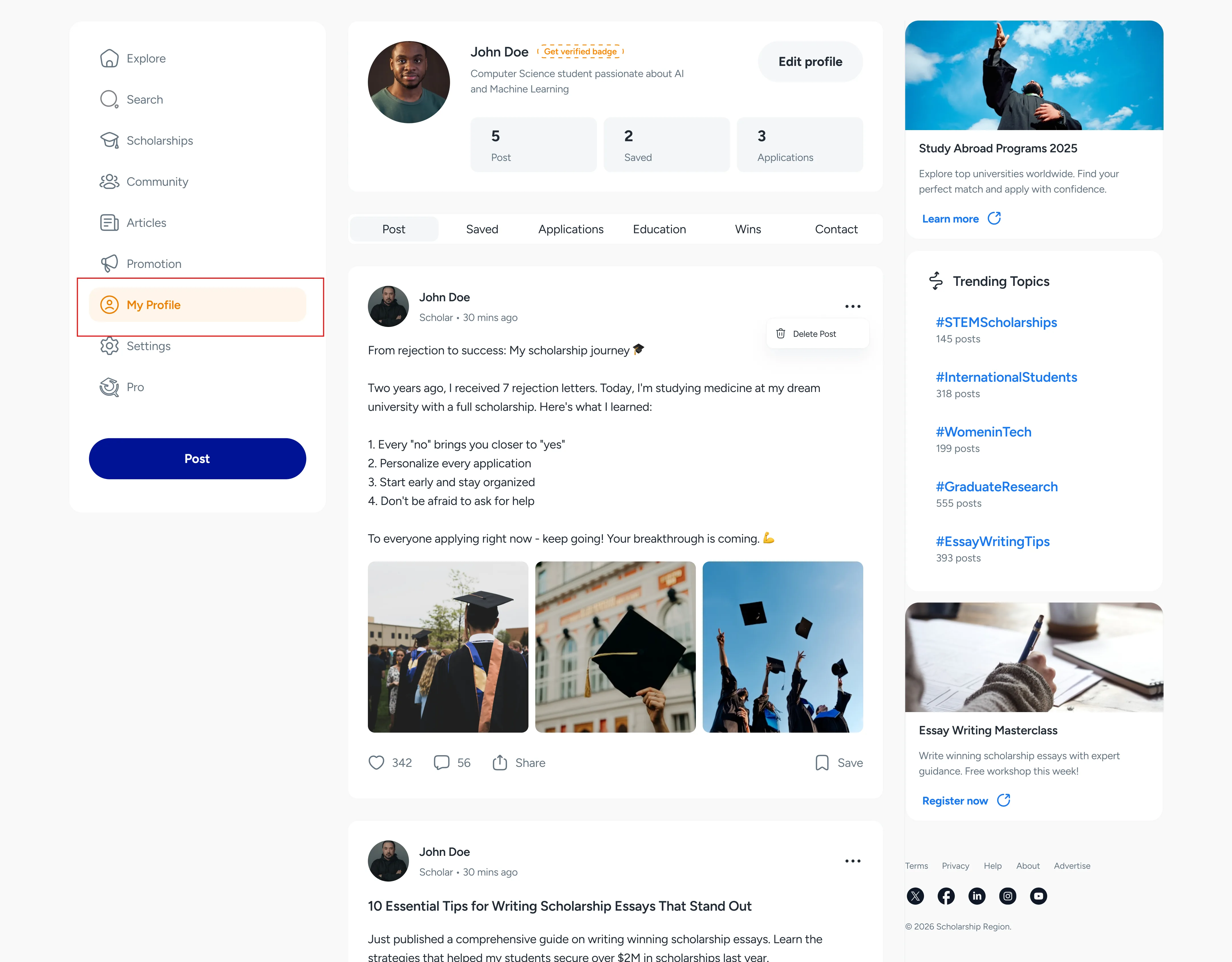
Navigate to ‘My Profile’ in the menu options.
Click or tap the ‘Edit profile’ button, and you’ll be able to edit your:
First and Last Name
Bio
Profile photo (recommended dimensions are 400x400 pixels with 3.1MB as maximum size)
Username
Location
Website
Email address and phone number
Social media links
Click or tap ‘Save’.
How to add your win record to your profile
As a scholar, you can showcase the scholarships you have won on your profile. Follow these steps:
Sign in to here with a scholar account
Navigate to ‘My profile’ in the menu option.
Under your profile page, click on ‘Wins’ in the sub-options (desktop). For mobile, click on the dropdown and select ‘Wins’.
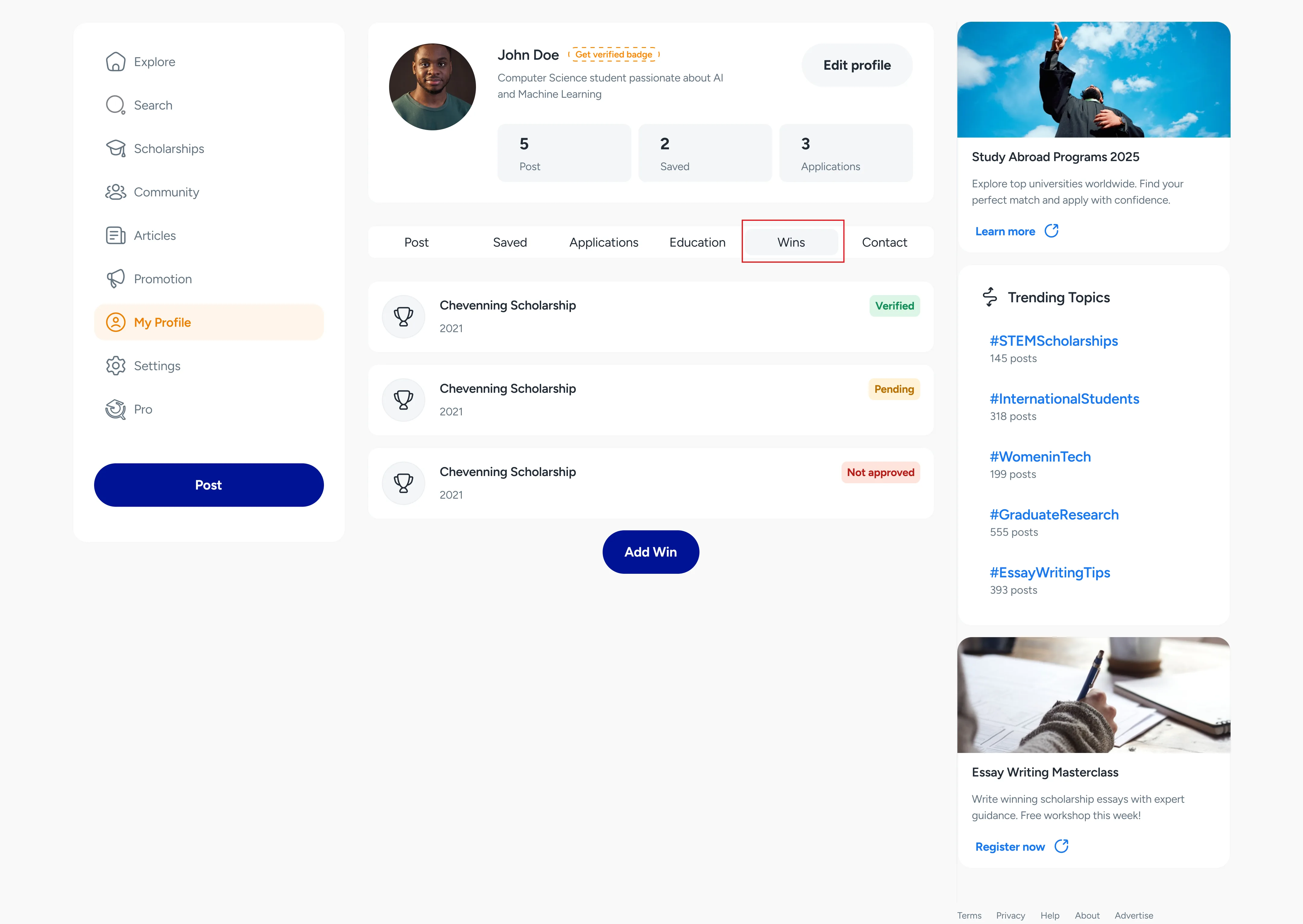
Click or tap the ‘Add win’ button, and you’ll be able to input the:
Name of the scholarship you won.
Year you won.
Upload a verifiable evidence document or add an evidence URL.
Click or tap ‘Submit for verification’.
Did you find this article helpful?